

 See My Latest Article on HelloNation
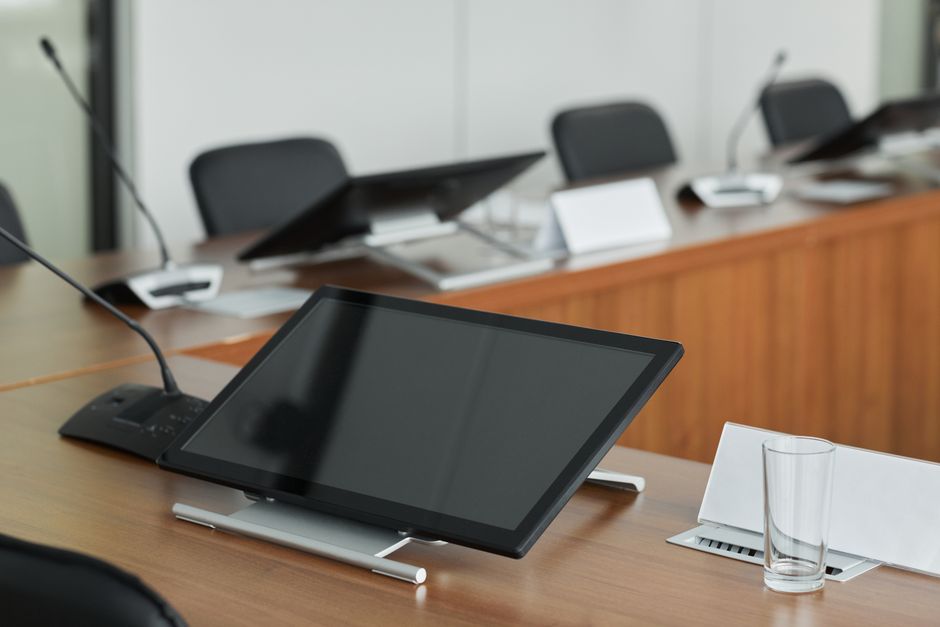
Why does conference room audio sound unclear?
Poor conference room audio is usually caused by several small problems working together: excessive reverberation, microphones placed too far from speakers, loud ventilation, uneven speaker coverage, or improperly adjusted audio processing. Improving sound quality starts with treating the room as part of the AV system rather than focusing only on individual devices.
Clear speech depends on three things:
- The speaker’s voice must reach the microphone at a strong, consistent level.
- Unwanted reflections and background noise must remain low.
- Remote participants must hear natural speech without echoes, dropouts, or sudden volume changes.
A room can have high-quality equipment and still sound poor if its surfaces, furniture, layout, and settings work against the system.
How does the room itself affect speech clarity?
Hard, flat surfaces reflect sound. Glass walls, painted concrete, tile, large tables, and bare ceilings can cause speech to bounce around the room. These reflections arrive at slightly different times and make words sound blurred, especially for people listening through a video meeting platform.
A useful goal is to reduce the amount of sound that remains in the room after someone stops speaking. This is known as reverberation time. Long reverberation makes a room feel lively in person but can make conference calls difficult to follow.
Practical improvements include:
- Adding acoustic ceiling tiles or other sound-absorbing ceiling treatments.
- Using fabric wall panels in strategic locations.
- Installing carpet or area rugs where appropriate.
- Choosing upholstered seating instead of placing only hard furniture in the room.
- Adding curtains or acoustic shades near large windows.
- Avoiding completely bare walls opposite one another.
The objective is not to make the room silent or overly damped. A balanced room should reduce harsh reflections while preserving a natural sense of space.
Where should conference room microphones be placed?
Microphones should be close enough to the people speaking that the system does not need excessive gain. A microphone placed near the talker captures more direct voice and less room noise.
Table microphones can work well in smaller rooms, but they should not be buried behind laptops, papers, or displays. A long table may require multiple pickup areas so participants do not have to lean forward or speak unusually loudly.
Ceiling microphones can provide a clean table surface, but placement matters. They should be positioned according to the seating arrangement, not simply centered in the room. A ceiling microphone placed too far from participants may capture more ventilation noise and reverberation than speech.
Microphone placement should also account for:
- The distance between participants and the pickup area.
- The direction people face while speaking.
- Room dividers or movable partitions.
- Whether participants regularly speak while standing.
- The location of loud air vents, projectors, or equipment fans.
A common misconception is that a microphone with a wider pickup pattern is always better. Wider coverage may reduce the need for multiple microphones, but it can also capture more unwanted sound. The best choice depends on room size, seating, acoustics, and meeting habits.
How can echo and feedback be reduced?
Echo can occur when remote audio from a loudspeaker is picked up by the room microphone and sent back to the far end. Acoustic echo cancellation helps separate speech from reproduced audio, but it works best when the room and system are properly configured.
Useful practices include:
- Keep loudspeakers away from microphones when possible.
- Avoid pointing speakers directly at reflective glass or bare walls.
- Use echo-cancellation settings designed for the room’s actual microphone and speaker arrangement.
- Prevent multiple computers from joining the same meeting with active microphones and speakers.
- Mute unused microphones rather than relying only on automatic controls.
- Test the system with people speaking from different seats.
Feedback is different from echo. Feedback is the familiar ringing or squealing that occurs when a microphone repeatedly picks up amplified sound. It often results from excessive volume, poor microphone placement, or too much open microphone gain.
Turning the volume down can stop feedback temporarily, but the underlying layout and settings should still be examined.
What makes loudspeakers easier to understand?
Loudspeakers should distribute sound evenly so that people in the front, center, and back of the room hear similar volume and clarity. A single loudspeaker turned up loudly may be less effective than several smaller speakers operating at moderate levels.
Even coverage is especially useful in larger rooms or spaces with flexible seating. Loudspeakers should generally be aimed toward listeners rather than reflective surfaces. Their location should also prevent one participant from sitting directly beneath a loud speaker while another is too far away.
Speech reproduction benefits from a system tuned for the human voice rather than music. Excessive bass can make voices sound heavy, while too much treble can make consonants harsh or fatiguing. Clear speech usually requires a controlled, balanced sound rather than maximum volume.
Remote participants should be asked whether voices sound:
- Natural rather than hollow or metallic.
- Consistent from seat to seat.
- Loud enough without sudden jumps.
- Free of cutting out at the beginning or end of sentences.
Which settings improve microphone performance?
Digital audio processing can improve usability, but automatic features should not be treated as a substitute for good room design.
Important settings include:
- Automatic gain control: Keeps speech at a more consistent level, but excessive gain can raise background noise.
- Noise reduction: Helps reduce steady sounds such as ventilation, but aggressive processing may make voices sound artificial.
- Acoustic echo cancellation: Prevents far-end audio from returning to the meeting.
- Automatic mixing: Reduces unused microphone channels so that room noise does not build up.
- Equalization: Shapes the sound to improve speech intelligibility without making voices harsh.
- Gating or voice detection: Opens microphones when someone speaks, but may cut off quiet speakers or sentence beginnings if set too aggressively.
Testing should include soft speakers, animated speakers, people seated at the far end of the table, and simultaneous conversation. A system that sounds good during a single-person test may behave differently during a real meeting.
How do Tucson conditions affect conference room audio?
Tucson’s dry climate, intense sunlight, and seasonal cooling demands can influence both room acoustics and equipment operation. Hard surfaces and sparse furnishings are common in offices designed for easy cleaning and temperature control, but those same conditions can increase reflections.
Air-conditioning noise may also become more noticeable during warmer months. Ceiling vents located near microphones can create a constant rushing sound that noise reduction cannot fully remove. Scheduling tests while the building’s normal climate-control equipment is running can reveal problems that are missed in a quiet room.
Sunlight and heat near windows may affect displays, cameras, and equipment racks. Keeping electronics out of direct sun and allowing adequate ventilation helps maintain stable operation. Dust should also be removed from vents and equipment openings using safe cleaning methods recommended by the equipment manufacturer.
What should be checked before an important meeting?
A short pre-meeting test can prevent many audio problems. Test from several seats, not only from the position used by the room’s regular operator.
Check that:
- Every microphone channel opens correctly.
- Remote listeners can understand both quiet and loud speakers.
- The far end does not hear an echo.
- Room loudspeakers are clear at a moderate volume.
- Wireless microphones have sufficient battery charge.
- A laptop fan, air vent, or projector is not creating distracting noise.
- Camera and microphone muting controls are easy to identify.
- Participants know which device is connected to the meeting.
It is also useful to record a brief test and listen to it from another room. People sitting inside the conference room often underestimate how much reverberation, chair movement, paper handling, and ventilation noise reaches remote participants.
When does the room need a more fundamental change?
If speech remains difficult to understand after microphones and settings are adjusted, the problem may be architectural. Excessive reverberation, glass-heavy construction, loud mechanical systems, or an oversized room can limit what electronic processing can correct.
In those cases, improvements may involve acoustic treatment, revised seating, quieter equipment placement, additional microphone coverage, or a different loudspeaker arrangement. Safety, electrical work, ceiling access, and building requirements should be handled according to applicable codes and qualified technical practices.
The most reliable conference room audio results from matching the room, seating, acoustics, microphones, loudspeakers, and processing as one system. Clear conversations are usually achieved through balanced design and careful testing—not simply by increasing volume.